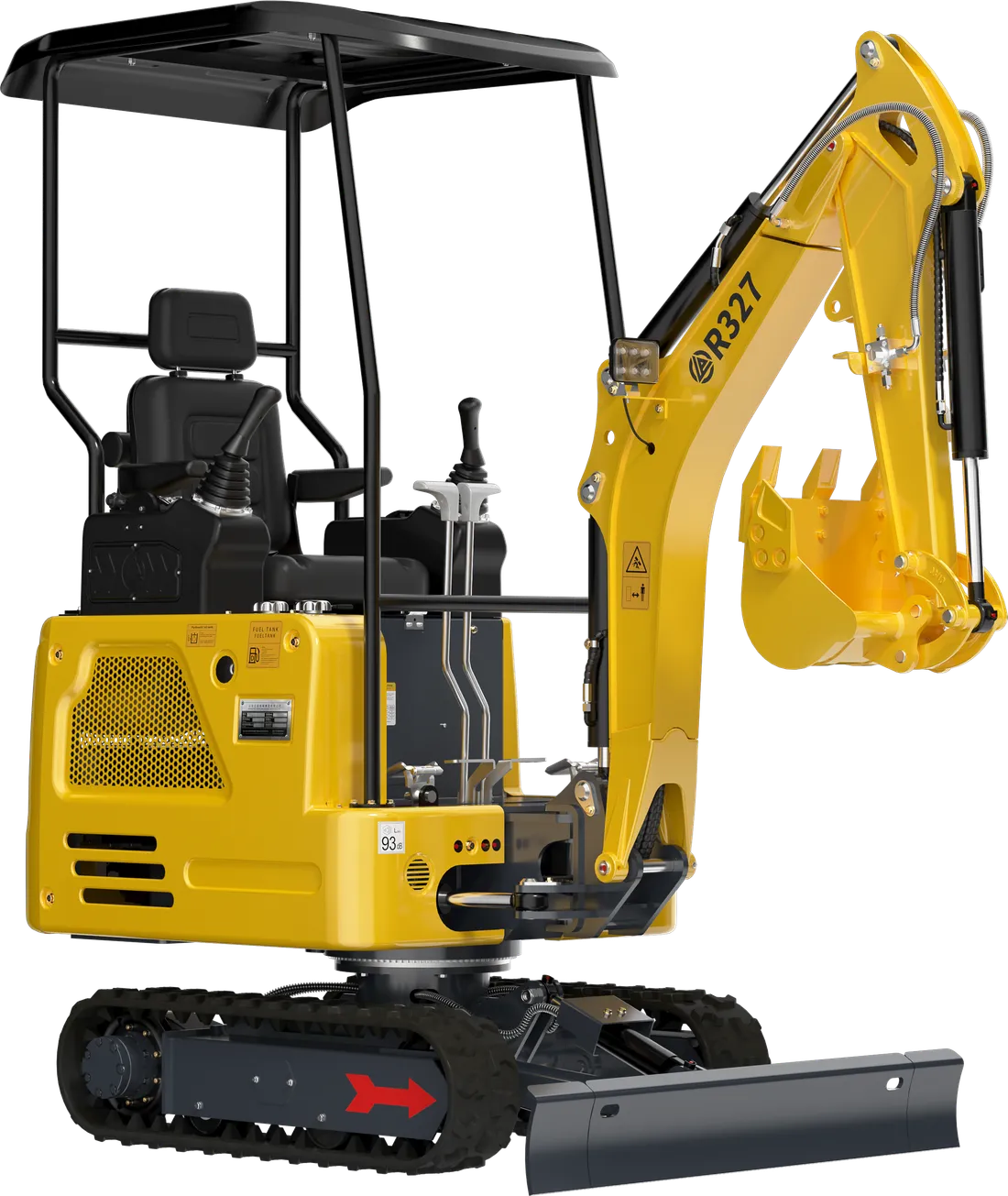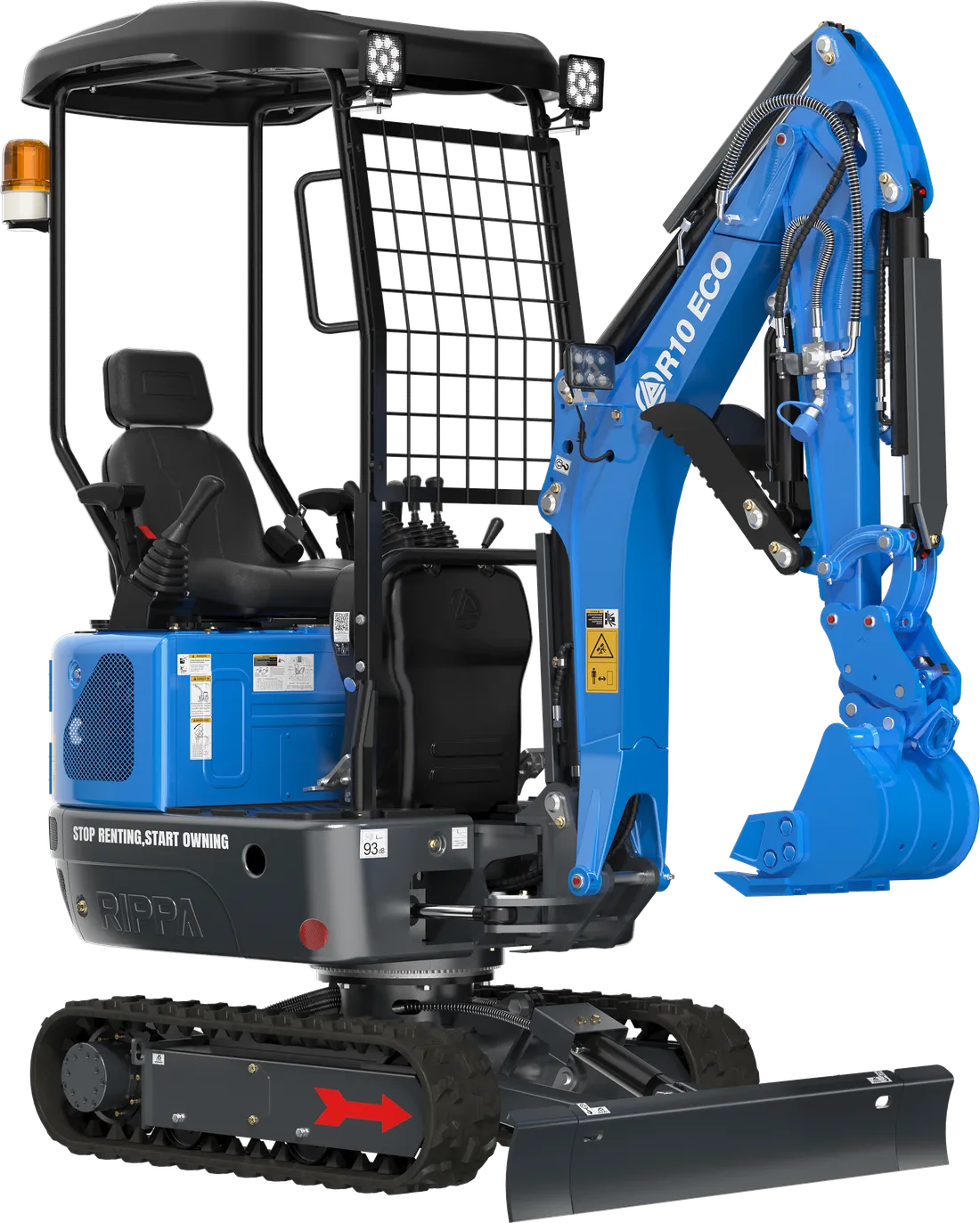
New machines sold by EKSFORK come with a warranty of 2 years or 2,000 operating hours. The mini excavator warranty follows the same rule: the R10, R327 and R350 — known on site as mini diggers, small diggers or compact excavators — all come with this cover. A warranty is an important safeguard that protects you from a large bill if an unexpected fault occurs; but making smooth use of it depends largely on how the machine is used and how its maintenance is recorded.
In this guide we describe the habits that protect your warranty: tracking operating hours, carrying out and documenting scheduled servicing on time, using the right fluids and parts, working with an authorised service centre and reporting faults properly.
Let’s make one point clear from the start: what determines the scope and conditions of the warranty is the warranty certificate supplied with your machine. The advice below does not replace that document; it is general good practice that makes it easier to comply with it.
What does “2 years or 2,000 hours” mean?
The warranty period is defined by two measures: calendar time (2 years) and the machine’s operating hours (2,000 hours). How these two limits apply together is set out in the warranty certificate supplied with your machine; read it on delivery day, and if anything is unclear, ask that same day.
Either way, knowing which of the two limits your machine will approach first is useful for your maintenance and budget planning. You can estimate it with a simple calculation:
Annual operating hours = Average daily operating hours × Working days per year
Time to reach 2,000 hours (years) = 2,000 / Annual operating hours
Example (illustrative figures; calculate with your own usage):
- A machine working 250 days a year for an average of 3 hours a day runs 750 hours a year and reaches 2,000 hours in about 2 years and 8 months. In other words, when two years are up, the machine is still at around 1,500 hours.
- A machine working 250 days a year for an average of 6 hours a day runs 1,500 hours a year and reaches 2,000 hours in about 1 year and 4 months. In other words, it completes 2,000 hours before two years are up.
The practical conclusion: in a 250-day working year, a machine that averages more than 4 hours a day reaches 2,000 hours before two years are up. That is why tracking operating hours is especially important for businesses that use their machines intensively.
The hour meter: the warranty’s counter
The operating hours on the instrument panel are the basic measure of both service intervals and the warranty period. So treat them like a document:
- Photograph the hour meter display on the day you take delivery of the machine.
- Photograph the hour meter again at every scheduled service and every fault report.
- If the meter fails or the hours stop advancing, report it without delay; a gap in the hours record makes it harder to document your service history.
- Don’t tamper with the meter or the circuit it is connected to, and don’t let anyone else do so.
This is also why our service request form asks separately for a photo of the hour meter display: the hours show both which service is due and whether the machine is within the warranty period.
If more than one operator uses the machine, get into the habit of writing the operating hours and a short note on the day in the log at the end of each job. This record lets you see the next service coming and, if a fault occurs, makes clear how the machine was used in the days before.
Scheduled servicing: do it on time, document it
The most important habit for protecting your warranty is having the scheduled services in the operator’s manual done on time. The second most important is being able to prove it. If a service was done but no record was kept, it becomes hard to show this later.
A simple service record table does the job:
| Date | Operating hours | Work done | Oils and filters used | Done by | Document |
|---|---|---|---|---|---|
| 15.03.2026 | 50 | First scheduled service | Engine oil, oil filter | Authorised service | Service form, invoice |
| 20.06.2026 | 250 | Scheduled service | Engine oil, oil and fuel filters | Authorised service | Service form, invoice |
| Every working day | — | Daily check and greasing | Grease | Operator | Maintenance log |
The dates and hours in the table are examples; for service intervals, your machine’s operator’s manual is the reference. We explain the hourly service schedule in our service schedule, and what to watch in a new machine’s first operating hours in our running-in guide.
Keep the documents together in one folder: invoice, warranty certificate, delivery documents if any, service forms, oil and filter invoices and photos of the hour meter. Keeping a copy of the photos from your phone on a computer or in the cloud saves the day if the paper copies go missing.
If you miss a service interval
In a busy period, a service interval may slip past. If that happens, don’t try to hide the delay: have the service done at the first opportunity and record the actual operating hours at which it was done. How a delay is treated is set out in the warranty certificate; but an honest, complete record is always a firmer footing. Next time, make a habit of booking an appointment a few working days before the service is due.
The right fluids, the right parts
Engine oil, hydraulic oil, coolant and fuel are the fluids that flow through the machine and touch every part. Oil of the wrong specification or dirty fuel can soon start damage that isn’t visible from outside. During the warranty period, follow these principles:
- Choose oils and coolant of the specification and viscosity given in the operator’s manual; don’t mix different types of oil.
- Buy fuel from a reliable source and keep cans and funnels clean; drain the water separator regularly.
- Change filters on time and with the correct part code.
- Keep the invoices for the oils, filters and parts you use.
Let’s stress the fuel issue in particular. Water and sediment in diesel can damage the sensitive parts of the fuel system. Carry fuel in clean, closed cans, and don’t leave cans open on the ground. Many users fill the tank at the end of the day; this reduces the water that forms through condensation in the tank’s air space overnight.
Here too, the warranty certificate is what is binding on how using aftermarket parts affects the warranty; when in doubt, ask us before fitting the part. We explain the differences between genuine and aftermarket parts in our genuine or aftermarket guide.
Working with an authorised service centre
On a machine under warranty, having scheduled servicing and repairs done by an authorised service centre ensures both that the work is done properly and that the records are kept in order. EKSFORK is an authorised Rippa dealer; we have 14 authorised sales and service points in 12 provinces and a contracted service network in all 81 provinces. You can see your nearest point on our dealer and service network page. If you work in an area far from the main centres, plan your appointment ahead as the service interval approaches; especially at busy times of the season, a service left to the last day may be delayed.
During the warranty period, avoid:
- Opening the engine, hydraulic pump or valves, or having them opened, without consulting the service team.
- Interfering with engine settings, hydraulic pressure settings or the electrical wiring in ways not covered in the manual.
- Having permanent modifications made to the machine without consulting the service team.
The effect of such interventions on the warranty is set out in the warranty certificate; but the general rule is simple: call us before any work you are unsure about. A phone call is always easier than a dispute later on.
Using the machine for its intended purpose and within its capacity
The operator’s manual describes what jobs and loads the machine is designed for. Pushing the machine beyond its capacity, working with an unsuitable attachment or carrying on despite warning lights both increases the risk of a fault and can make the cause of the fault a matter of dispute.
For example, forcing the bucket against a rock it can’t break, pounding the ground with the bucket like a sledgehammer where a breaker is needed, or constantly driving a tracked machine over long distances are all uses beyond what the machine was designed for. Choosing the right attachment or the right transport method for these jobs protects both the machine and the warranty.
- Learn the machine’s lifting and digging limits from the manual, and pass this information on even if the operator changes.
- When choosing an attachment, confirm its compatibility with the machine and its hydraulic requirements.
- When a warning light comes on, stop work and make a note.
- Only let trained operators use the machine. Make sure everyone who will use the machine receives the set-up and basic operator training we provide on delivery; if the operator changes later, pass the information on to the new person.
The right steps when a fault occurs
When a fault occurs during the warranty period, the sequence you follow determines how quickly the process moves:
- Stop: If the symptom is serious, stop the machine safely; carrying on with a faulty machine can turn a small fault into a big one.
- Don’t dismantle it yourself: On a machine under warranty, talk to the service team before trying to remove and repair parts.
- Document: Take photos or a video of the fault; note the operating hours and when, and under what conditions, the fault started.
- Report: Open a service request without delay. Our form asks for four images: the data plate, the hour meter display, the product invoice and the fault itself; the invoice is needed to confirm warranty cover.
- Follow up: Add the work done and the parts replaced during the service process to your maintenance record.
Don’t put off small problems either. A lamp that doesn’t work, a slight seep or a noise that has just started is both recorded and dealt with before it grows if you report it while the machine is under warranty. A small leak left with “I’ll mention it at the next service” can turn into a much bigger repair by then.
We explain step by step how to prepare a request quickly and completely in our service request guide.
Delivery day: the first step for your warranty
The habits that protect your warranty start on delivery day:
- Take the invoice and warranty certificate; check that the information in the documents matches the machine’s data plate.
- Photograph the data plate and the hour meter display.
- Read the warranty certificate; if any clause is unclear, ask that same day.
- Copy the scheduled service table from the operator’s manual onto the first page of your maintenance log.
- During the set-up and operator training, ask to be shown the daily checks and grease points.
If your operator or an employee takes delivery of the machine on site, make sure the documents and photos reach you the same day. A warranty certificate forgotten in a drawer or inside the cab means a search on the very day you need it.
You will find the other points to check when taking delivery of the machine — from tracks and hydraulics to the paperwork — in the delivery checklist.
Quick checklist
- Warranty certificate and invoice in one folder, photos backed up.
- Photos of the data plate and hour meter taken on delivery day.
- Scheduled services done at the hours given in the manual, at an authorised service centre.
- Date, operating hours and oils and filters used recorded for every service.
- Oils, filters and parts to the specification in the manual; invoices kept.
- Machine used within its capacity and by a trained operator.
- Faults reported without delay and with supporting documents.
- Service team called before any work you are unsure about.
Don’t drop these habits when the warranty period ends: the same records show your machine’s service history and give a buyer confidence if you want to sell it later. After the warranty, too, 382 spare parts are shipped from stock on the same day.
You can explore our machines and their specifications on our machinery page. For warranty questions, message our technical service line on WhatsApp or call 0552 947 92 09 on weekdays and Saturdays between 09:00 and 18:00.